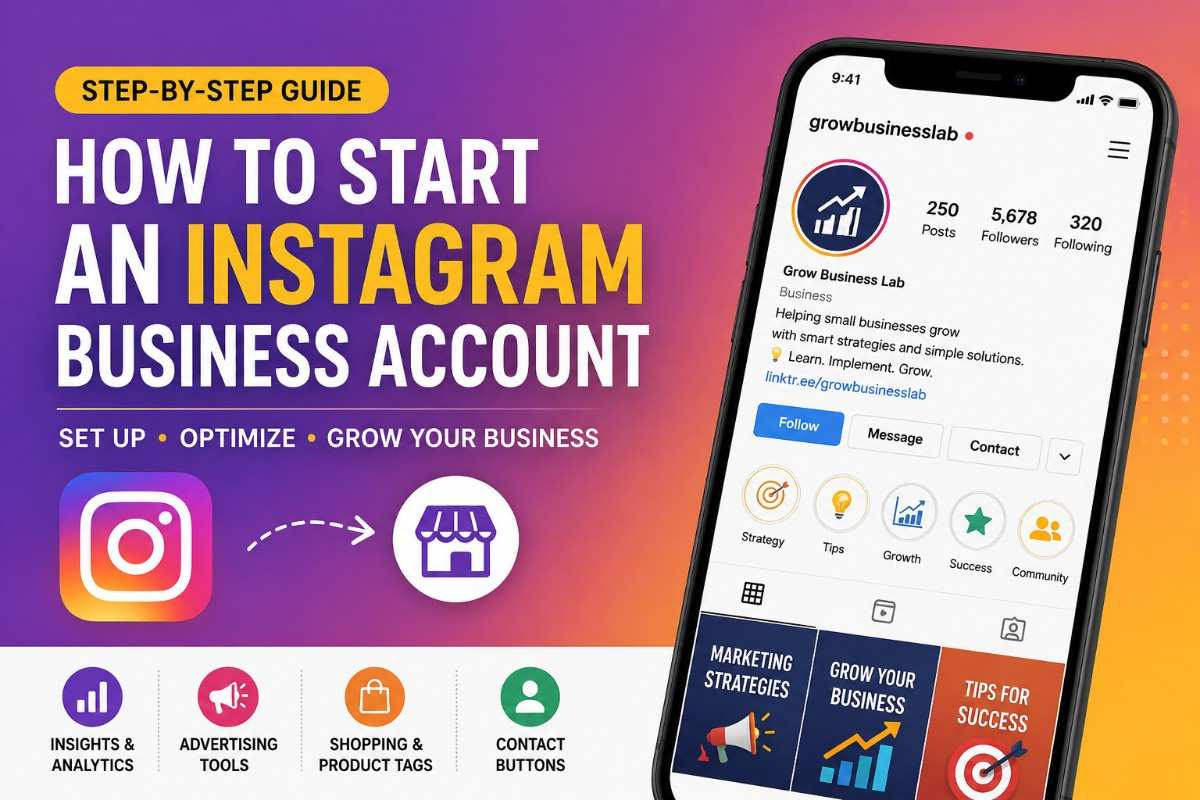
Instagram has become one of the most powerful platforms for businesses to connect with customers, build brand awareness, and generate sales. Whether you run a local business, an online store, or offer professional services, creating an Instagram Business Account gives you access to tools that can help you grow your brand more effectively.
The best part is that creating an Instagram Business Account is completely free and takes only a few minutes. You simply need to create a regular Instagram profile, switch it to a professional account, and choose the Business option. Once your account is set up, you’ll unlock valuable features like analytics, advertising tools, contact buttons, and shopping capabilities.
In this guide, you’ll learn how to create an Instagram Business Account step by step and discover how to optimize it for long-term business growth.
Why Choose an Instagram Business Account?
If your goal is to market your business on Instagram, a personal account won’t provide the tools you need to measure performance or reach more customers.
An Instagram Business Account is specifically designed for businesses and brands. It helps you understand your audience, communicate with customers, and promote your products or services more professionally.
Once you switch to a business account, you’ll gain access to features like audience insights, advertising options, business contact buttons, and content performance analytics. These tools make it easier to improve your Instagram marketing strategy and make informed decisions based on real data rather than guesswork.
Read More – How to Grow Business on Instagram: 20 Instagram Hacks to Grow Your Small Business Fast
How to Create an Instagram Business Account
Setting up your account is straightforward. Follow the steps below to get started.
Step 1: Download Instagram and Create Your Account
Begin by downloading the Instagram app on your Android or iPhone. After installing it, tap Sign Up and create a new account using your business email address or phone number.
Although your goal is to create a business account, Instagram first creates a standard personal profile. This serves as the foundation that you’ll later convert into a professional account.
When choosing your username, try to use your business name or something closely related to your brand. A clear and memorable username makes it easier for potential customers to find you.
Planning to start your own business? Read our complete guide to starting a small business online.
Step 2: Switch to a Professional Account
After setting up your profile, open your account and navigate to your profile page. Tap the menu icon in the upper-right corner and open Settings and Activity.
Scroll until you find Account Type and Tools, then select Switch to Professional Account.
Instagram will briefly explain the additional features you’ll receive before guiding you through the setup process.
This step is what transforms your personal profile into a professional business profile.
Step 3: Select the Business Account Option
Instagram offers two types of professional accounts: Creator and Business.
| Creator Account | Business Account |
|---|---|
| Best for influencers and public figures | Best for businesses, brands, online stores, and service providers |
| Focused on personal branding | Designed for marketing and customer engagement |
| Limited business features | Full access to business tools |
While Creator accounts are intended for influencers, public figures, and content creators, Business accounts are designed for companies, brands, retailers, and service providers.
If your objective is to promote products, generate leads, or grow your company, selecting the Business option is the right choice. It unlocks marketing tools specifically designed to help businesses attract customers and measure their success.
Step 4: Choose Your Business Category
Next, Instagram will ask you to select a category that best represents your business.
This category helps visitors understand what your company does as soon as they visit your profile. Whether you’re a digital marketing agency, restaurant, clothing brand, consultant, fitness coach, or local service provider, choose the category that most accurately describes your business.
You also have the option to display or hide this category on your public profile depending on your branding preferences.
Step 5: Add Your Business Contact Information
One of the biggest advantages of an Instagram Business Account is that customers can contact you directly without sending a direct message first.
Instagram allows you to add your business email address, phone number, and physical location if applicable. These details appear as dedicated contact buttons on your profile, making it much easier for potential customers to reach you.
Providing complete contact information also makes your business appear more trustworthy and professional.
Step 6: Connect Your Facebook Business Page
Instagram will give you the option to connect your Facebook Business Page during setup.
Although this step isn’t mandatory, it offers several advantages if you plan to market your business seriously. Connecting the two accounts allows you to manage advertising more efficiently, publish content across both platforms, and access additional business tools that become useful as your business grows.
If you don’t have a Facebook Business Page yet, you can always connect one later.
Step 7: Optimize Your Instagram Business Profile
Creating your account is only the beginning. A well-optimized profile increases the chances that visitors will follow your page or become customers.
Start by uploading a high-quality logo or professional brand image as your profile picture. Next, write a short bio that clearly explains what your business offers and who it serves. Your bio should quickly answer the question, “Why should someone follow or buy from you?”
Instagram also allows you to add multiple links to your profile. Instead of sending visitors to only one destination, you can link to your website, booking page, online store, blog, or other important resources that help customers take the next step.
Think of your Instagram profile as your business’s digital storefront. Every element should encourage visitors to learn more about your brand.
Learn More – How to Grow an Online Business Through Social Media: A Winning Social Media Strategy
Features You’ll Unlock with an Instagram Business Account
Once you’ve completed the setup process, your account becomes much more than a place to post photos. It turns into a marketing platform equipped with professional business tools.
Instagram Insights
One of the most valuable features is Instagram Insights. Instead of guessing what your audience likes, you’ll have access to detailed performance data that shows how your content is performing.
You can monitor metrics such as profile visits, post reach, engagement, audience demographics, website clicks, and follower growth. These insights help you understand which types of content resonate with your audience and which areas need improvement.
Over time, this data can guide your content strategy and help you make smarter marketing decisions.
Advertising Tools
A Business Account also gives you access to Instagram advertising.
If one of your posts performs particularly well, you can turn it into a paid promotion directly from your account. Advertising allows you to reach people beyond your existing followers and target audiences based on factors such as interests, location, and demographics.
Whether your goal is to increase website traffic, generate leads, or promote a new product, Instagram ads provide an effective way to reach potential customers.
Shopping and Product Tagging
If you sell products online, Instagram’s shopping features can significantly improve the customer experience.
Eligible businesses can create product catalogs and tag products in their posts, allowing customers to discover items without leaving the platform. This creates a smoother shopping journey and makes it easier for users to move from browsing to purchasing.
For eCommerce businesses, this feature can become an important sales channel.
Business Contact Buttons
Unlike personal accounts, Business Accounts include dedicated contact buttons that make communication much more convenient.
Customers can quickly email your business, call your office, or find your physical location directly from your profile. Removing unnecessary steps often leads to more inquiries and stronger customer relationships.
Professional Dashboard
Instagram also provides a Professional Dashboard where you can monitor your account’s overall performance.
From this dashboard, you can access your analytics, review account growth, manage promotions, and explore additional business tools designed to help you improve your marketing efforts.
Tips to Make Your Instagram Business Account More Effective
Setting up your account correctly is only the first step. Consistent optimization is what helps businesses grow on Instagram.
Rather than focusing only on selling, create content that educates, entertains, or solves your audience’s problems. Publish consistently, engage with comments and messages, and regularly review your analytics to understand what works best.
It’s also important to maintain consistent branding. Use the same logo, colors, tone of voice, and visual style across your posts so people instantly recognize your business.
Finally, don’t be afraid to experiment. Try different content formats such as photos, carousels, Stories, and Reels to see what generates the highest engagement.
Ready to Start Your Small Business?
Starting a small business may seem overwhelming at first, but every successful entrepreneur begins with a single step. By choosing the right business idea, creating a solid plan, understanding your target audience, and building a strong online presence, you can lay the foundation for long-term success.
If you’re looking for more practical business tips, marketing strategies, and growth guides, GrowBusinessLab is here to help. Explore our latest resources to learn how to attract customers, grow your brand, and scale your business with confidence.
👉 Continue your entrepreneurial journey by reading more expert business guides on GrowBusinessLab and take the next step toward building a successful business.
Common Mistakes to Avoid
Many businesses create an Instagram Business Account but fail to use its features effectively.
Some of the most common mistakes include:
- Leaving the bio incomplete or unclear.
- Using a low-quality profile picture.
- Ignoring Instagram Insights.
- Posting inconsistently.
- Failing to respond to customer messages.
- Not adding website or booking links.
- Publishing only promotional content without providing value.
Avoiding these mistakes will help you build a stronger presence and create a better experience for your audience.
Frequently Asked Questions
Here are answers to some of the most common questions about creating and managing an Instagram Business Account. These FAQs will help you get started with confidence and make the most of Instagram’s business features.
Is an Instagram Business Account free?
Yes. Creating and switching to an Instagram Business Account is completely free. You only pay if you decide to run advertisements.
Can I switch back to a personal account later?
Yes. Instagram allows you to change your account type whenever you want through your account settings.
Do I need a website to create a Business Account?
No. A website isn’t required, but adding one to your profile can increase traffic and make it easier for customers to learn more about your business.
Can small businesses benefit from an Instagram Business Account?
Absolutely. Whether you’re a freelancer, local shop, startup, or growing company, a Business Account provides professional tools that can help you reach more customers and measure your marketing performance.
Final Thoughts
Learning how to start an Instagram Business Account is one of the easiest steps you can take to establish a professional online presence. In just a few minutes, you can unlock tools that help you understand your audience, promote your products or services, and communicate more effectively with potential customers.
However, creating the account is only the beginning. Long-term success comes from optimizing your profile, publishing valuable content consistently, engaging with your audience, and using Instagram’s analytics to improve your strategy over time.
When used strategically, an Instagram Business Account can become far more than a social media profile—it can serve as a powerful marketing channel that helps increase brand awareness, attract qualified leads, and support sustainable business growth.